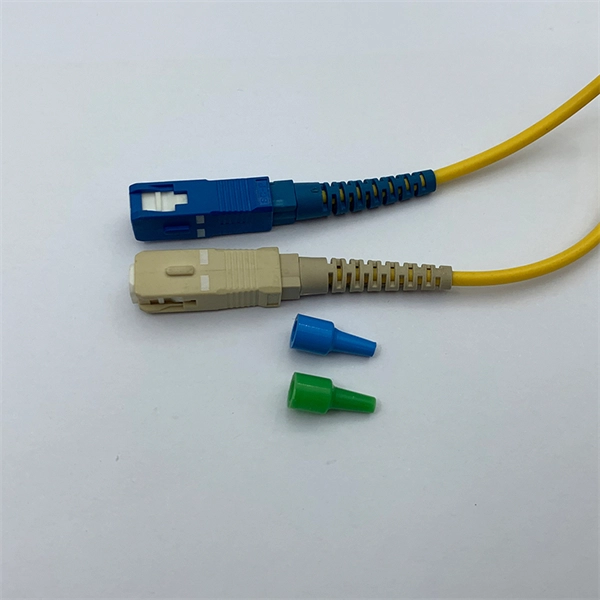
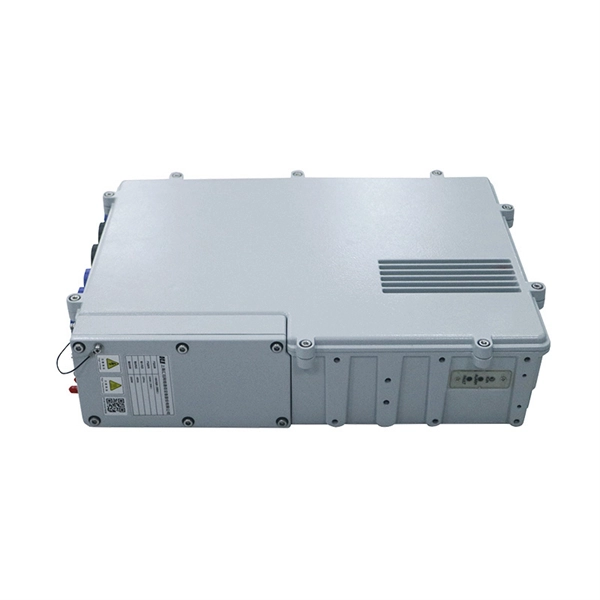
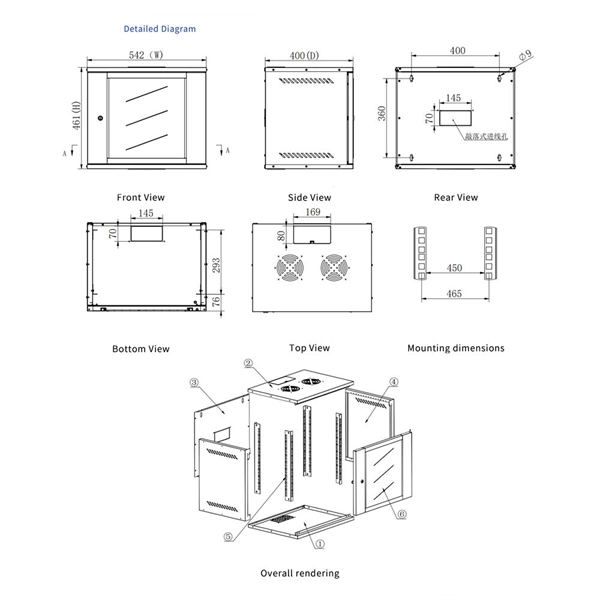
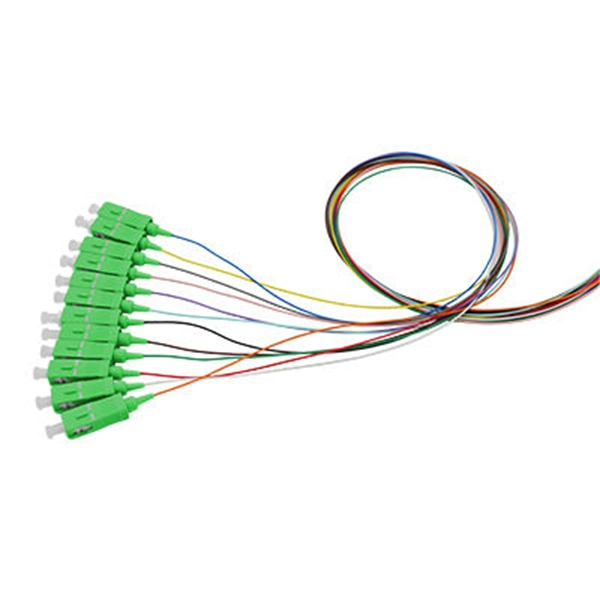
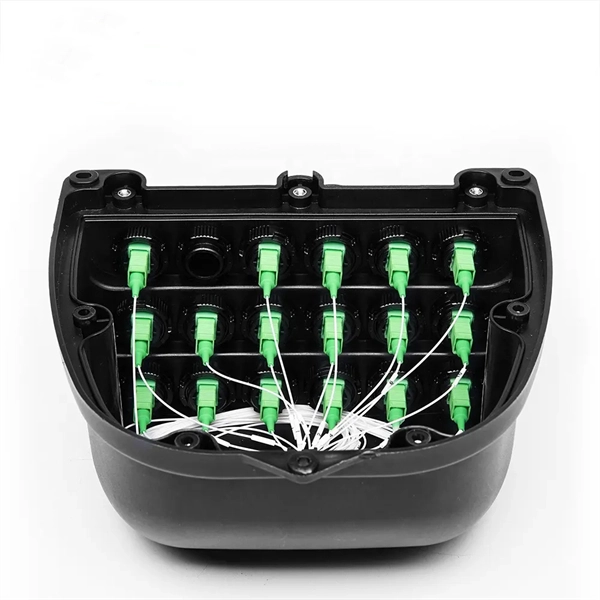
First, plug one end of the fiber optic cable into the transceiver and the other end into the fiber optic network. Use a standard Ethernet cable (Cat5e/Cat6) to connect the RJ45 port on the media converter to the Ethernet port on your computer, router, or other. Connecting a fiber optic cable to a router involves a few key steps and specialized equipment. Here's a simple guide to help you through the process: 1. The fiber line terminates at the Optical Network Terminal (ONT), which is typically supplied and installed by the internet service provider. Check compatibility: Before you begin, make sure your router supports fiber optic connection.